

Intro
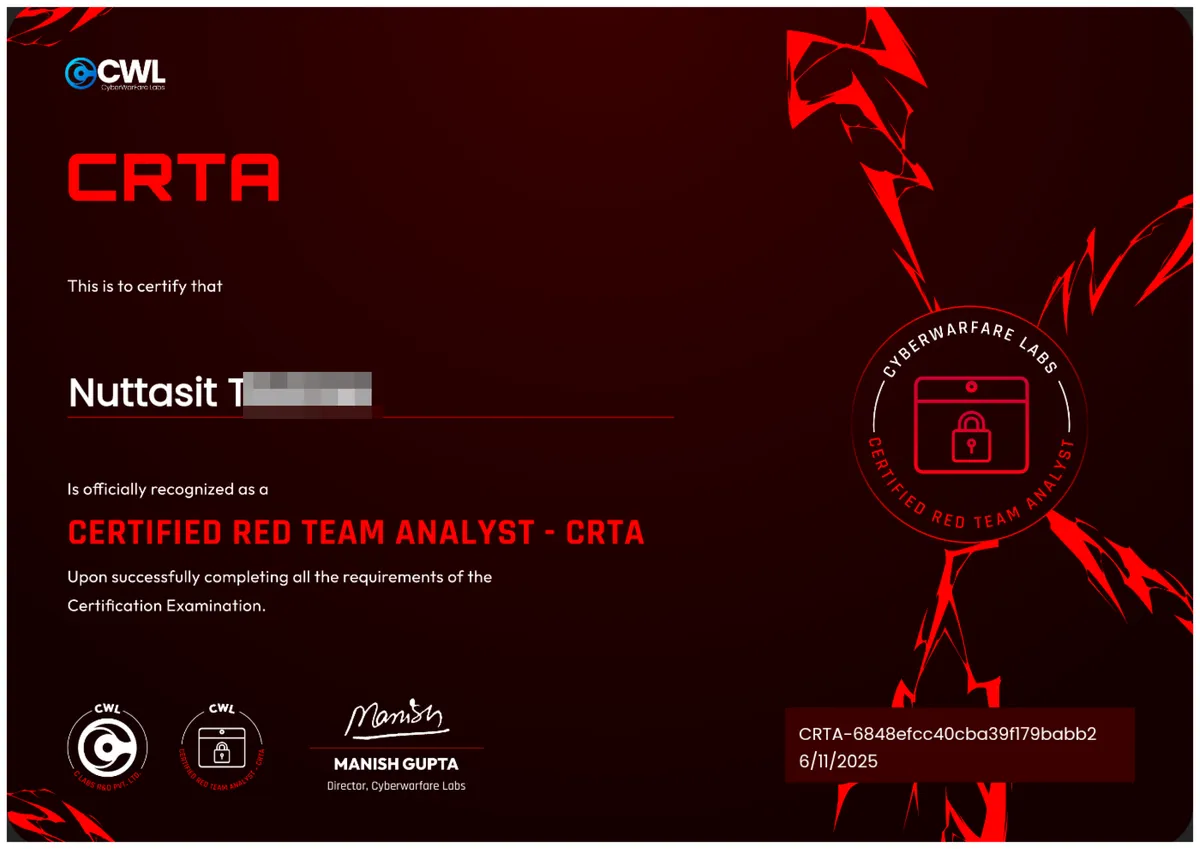
FYI, I just finished my first Certified Red Team Analyst (CRTA) practical exam with a focus on web security and Active Directory. Got it on sale original price was 9. The format recently shifted to a 6‑hour CTF style exam (Capture The Flag challenges) since June 4, 2025. Here’s how it went down.
📝 Exam Overview
Format: Fully hands‑on, CTF‑style; six hours to solve multiple flags .
Scope: Labs emulate real‑world attack chain across internal/external targets.
Focus Areas:
- Network Discovery
- Web App Analysis (LFI)
- SSH Access
- Active Directory (info gathering, creds, escalation)
Objective: Capture flags at each stage through enumeration, exploitation, and AD pivoting.
🧰 Tools I Used
Here’s my main toolkit: nmap, gobuster, curl, ssh, netexec, impacket, evil‑winrm. I used them in a logical flow that mirrors real attacks:
Network Discovery
- nmap to scan for live hosts & open services
Web App Recon + LFI
- gobuster for directories
- curl to test and exploit file inclusion
SSH Access
- Extracted creds → ssh into webserver
AD Enumeration & Cred Dump
- Used impacket on DC to extract NTDS.dit and creds
Pivot & WinRM
- evil-winrm for lateral movement using found hashes or creds
Privilege Escalation → Domain Admin
- Used pass‑the‑hash and DCSync to escalate to DA
That flow matches the course’s attack chain: from recon to Domain Admin but I’m not giving you every step. Just the core stages my guide covered in the lab.
⚙️ Exam Attack Chain (covered topics)
- Network Recon
- Web Exploitation
- Access & Privilege Escalation
- Credential Harvesting
- Domain Control
🧠 Exam Strategy
- Start fast with nmap + gobuster + curl to find entry points.
- Document everything screenshots + commands. You’ll need ‘em for proof/flags.
- Pivot ASAP. That evil-winrm shell can open doors in AD.
- 6 hours is plenty. I wrapped it in ~3. take your time, but don’t overthink
💸 Pricing & Value
- Regular: $99
- Got it for: $9 (discount deal, i found it on linkedin)
- Labs include: 30 days access, PDF + video content, plus two exam attempt.
✅ Final Thoughts
- Super beginner‑friendly for real web + AD workflows.
- The new 6‑hr CTF format is intense but feels legit.
- Docs and videos sync well with the labs.
- For the price and hands‑on experience, especially if you caught a discount big win.

TL;DR
If you’re gonna start with real‑world red teaming, esp. web + AD, this is a great first step. Walks you through a full attack chain, teaches real tools + techniques, keeps it hands‑on, and won’t cost you much (especially with promos).
👍 Tips for Future Test‑Takers
- Practice the labs repeatedly understand not just how something works, but why.
- Take breaks before the exam start fresh and focused.
- Stay calm this exam rewards logic over guessing.